Cookies & privacy
We use essential cookies to run the site and, with your consent, analytics cookies to understand how it's used. You can change your choice anytime.
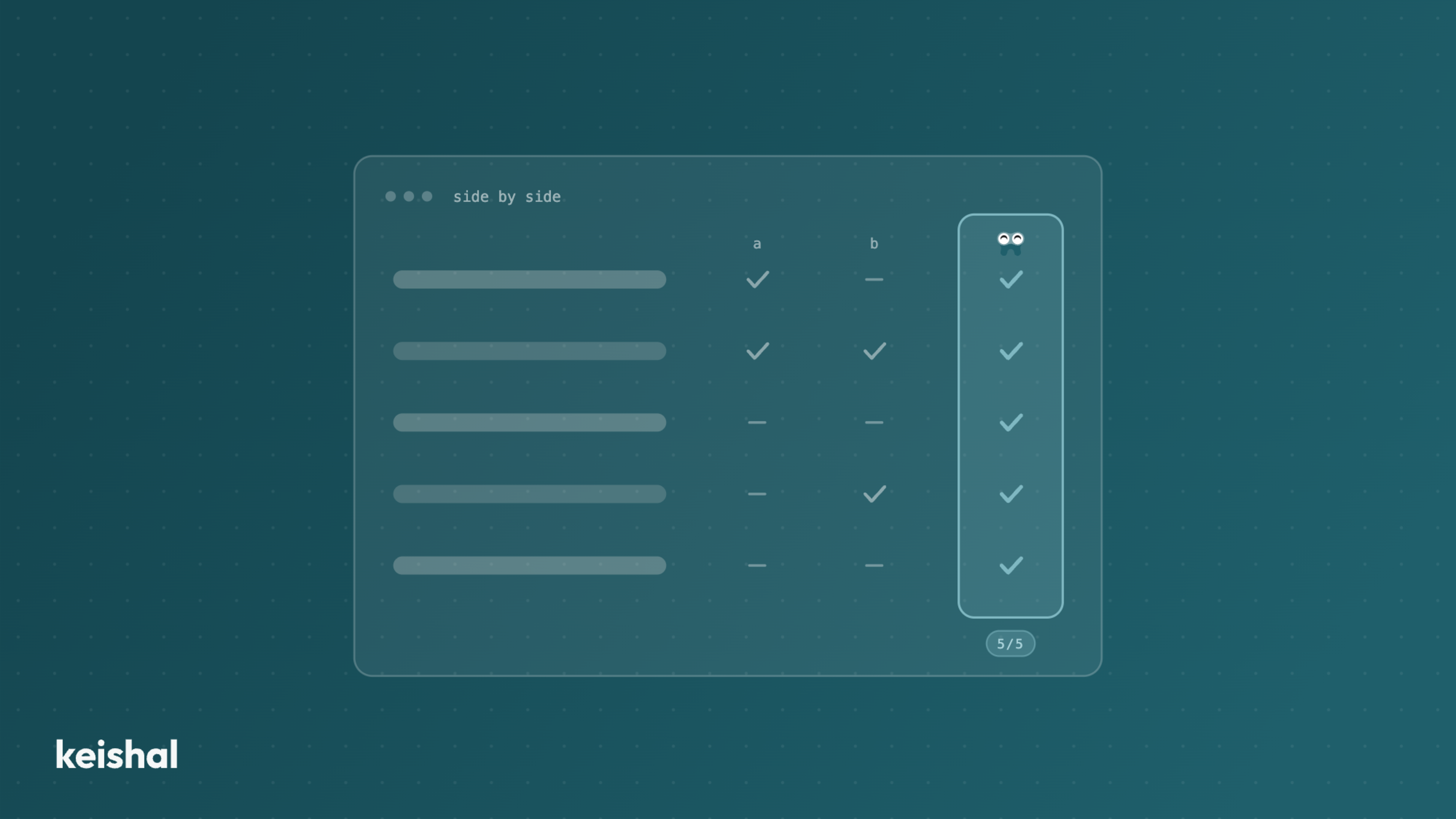
At minimum, a dental clinic needs a PMS covering scheduling, clinical records and billing. Two generations coexist in the Spanish market: the veterans (Gesden) and the cloud wave (Nubimed, Dentalink, Clinic Cloud, Klinikare). There's no such thing as "the best dental software" — only the one that best fits each clinic's size, specialisation and way of working. Here we compare the main PMS with their strengths and weaknesses. A transparency note: at Keishal we don't sell any practice management software — we integrate with all of them. That's what lets us be neutral.
Choosing your practice management software (PMS) is one of the most structural decisions a dental clinic makes. Not because of the monthly fee — because of everything else: the team's adaptation time, the data migration, and the fact that, once chosen, the clinic will live with it for years.
Before we start, a clarification we think matters: at Keishal we don't sell practice management software, and we don't compete with any of the systems on this list. Our system integrates with all of them to operate patient communication. That's precisely why we can write this comparison with no stake in which one you choose: we work with clinics running Gesden, Nubimed, Dentalink, Clinic Cloud, Klinikare, Flowww and several more, and we see daily how they perform in practice.
When someone searches for "dental clinic software" they usually mean different things. In practice, a clinic's software organises into three layers:
The order of decision matters: the PMS comes first, because everything else connects to it. Dental practice management software isn't generic medical software either: the modules that make the difference (odontogram, periodontal chart, orthodontics) only exist in systems born for dentistry. And you don't have to choose everything at once: a practice opening in 2026 can start with the PMS and add layers as the operation grows.
Before comparing, the minimum any dental PMS should cover today:
With this as a baseline, the differences between systems lie in the depth of each module, the deployment model (on-premise vs. cloud), pricing, and the learning curve.
Profile: the veteran of the Spanish market, with over 20 years of history and an enormous installed base, especially in large clinics, chains, and practices specialising in orthodontics, implantology, and surgery.
Strengths: highly detailed clinical records, with an odontogram that maps treatment by tooth and surface. Integration with virtually any radiology equipment on the market. A dedicated orthodontics module with case tracking and cephalometry. Robust financial and budgeting management.
Weaknesses: a less modern interface than cloud alternatives. Updates arrive slowly. The traditional model is an on-premise licence (with a more recent cloud option), which means a higher initial outlay.
Who it fits: large or specialised clinics that already run it, and clinics that prioritise clinical depth over interface modernity. If your team has worked with Gesden for years and it works, the cost of migrating rarely pays off.
Profile: a flexible, customisable cloud platform for clinics that want to adapt the workflow to their way of operating, not the other way around.
Strengths: 100% cloud, no installations. Structured, accessible clinical records. Waiting list and appointment management to optimise chair occupancy. Multi-user access with role-based permissions.
Weaknesses: being a generalist platform (it serves several types of health clinics, not just dental), some dental-specific modules have less depth than systems born exclusively for dentistry.
Who it fits: small and medium clinics that value flexibility, customisation, and access from any device.
Profile: cloud software with a strong presence in Spain and Latin America, oriented towards comprehensive management with special emphasis on financial control.
Strengths: modern interface with real-time metrics. A complete financial module: financing options, online and in-person payments, instalment plans, and late-payment management. Appointment confirmation and automatic notifications.
Weaknesses: some growing clinics report limitations in advanced automation and reporting depth as operations become more complex.
Who it fits: medium clinics that want solid financial control and comprehensive management from a single environment.
Profile: the cloud alternative within the Doctoralia ecosystem, with a current interface and a focus on accessibility.
Strengths: a clean interface the team learns in a few days. Natural integration with Doctoralia for online bookings. Management from any device. Accessible entry price.
Weaknesses: imaging equipment integration is more limited than in veteran systems. No offline mode: if the connection fails, you can't work. The billing module covers the basics but falls short for advanced accounting needs.
Who it fits: small and medium clinics (1-3 chairs) that value modernity, simplicity, and the Doctoralia ecosystem. A very good first option for new clinics.
Profile: one of the most recent systems in the Spanish market, focused on user experience and modern integrations.
Strengths: a very current interface, a low learning curve, and integrations with external platforms that move faster than veteran systems. A good balance between functionality and ease of use.
Weaknesses: as a younger company, it has less track record in complex environments (large groups, demanding multi-site operations). Some advanced billing modules are less complete than Gesden's.
Who it fits: newly opened clinics, or clinics that want to modernise their management and prioritise ease of use.
Profile: a management platform with roots in the aesthetics sector and a strong marketing component, also present in dental.
Strengths: integrated marketing and loyalty tools (campaigns, vouchers, points programmes). Online booking management. A commercial focus other PMS don't have.
Weaknesses: dental clinical depth (odontogram, periodontal chart, orthodontics) is lower than in systems born specifically for dentistry.
Who it fits: clinics with a strong commercial and aesthetic-dental orientation, valuing acquisition and loyalty tools over clinical depth.
The Spanish market has more options than the six above: Odontonet, Cliniwin, Vevi Clinic, Softgam, Mulhacén Soft, and Cegid Ekon cover specific niches — from lightweight solutions for individual practices to systems with years of implementation in regional groups. If your clinic already runs one of them and it works, the general advice applies: the best software is the one your team masters.
1. What size and specialisation does your clinic have? An individual practice doesn't need the same as a five-site group. Specialisation also matters: orthodontics and implantology demand deep clinical modules; a general clinic can prioritise simplicity.
2. Cloud or on-premise? Cloud gives accessibility and removes your own servers, but depends on the connection. On-premise gives control and independence, but involves maintenance and initial investment. The market trend is clearly cloud, but the decision depends on your context.
3. How much time can your team dedicate to learning the system? Powerful software nobody masters delivers less than a simple one used well. The learning curve is a real cost that must enter the calculation.
4. What happens to your data if you ever want to switch? Always ask about data export before signing. The portability of records, quotes, and images is what prevents you from being held captive by an old decision.
Here's the honest observation after integrating with most of these systems: all PMS manage clinic data well, but none of them operate proactive patient communication.
The PMS stores who hasn't returned in 12 months, which quotes stayed open, and which check-ups are due this month. Some even generate lists and send basic reminders. But the real work — contacting one by one, holding the conversation, resolving doubts, booking the appointment, and following up — still falls on the front desk team, which has no time to do it systematically.
This is the distinction between software that stores information and a system that acts on it. We explain it in detail in our comparison of software vs. systems that operate for you, in the guide on how to apply artificial intelligence at a dental clinic, and in the definition of what service-as-a-software means for a dental clinic.
The good news: you don't have to change your PMS to solve this layer. Whichever system from this list you use, Keishal integrates with it and operates patient communication — reactivation, reminders, 24/7 booking — without your team changing anything about how they work. And if you've already contracted a communication tool nobody on the team has time to operate, we've written about what to look at before switching, or staying.
The best dental software isn't the one with the most features, but the one your clinic actually uses. And once internal management is solved, the next question is who works your patient database. If you want to see how much value is sleeping in yours, try the calculator.
A virtual receptionist should not replace your receptionist: it should absorb the repetitive load that does not fit in their day. A front desk open 50 hours a week leaves 118 of the week's 168 hours unanswered: 70% of the time. An autonomous system covers reminders that get a response, 24/7 booking (WhatsApp chat plus a calendar link), out-of-hours questions with escalation, recall and reactivation. It does not answer the phone: it removes volume from it. The front desk, clinical conversations and complaints stay human.
When you go from one clinic to two or three, the bottleneck stops being the schedule and becomes visibility: the location where you are not is a black box. To manage it without being there, compare locations with four ratios computed the same way everywhere — occupancy (370 out of 528 hours = 70%), no-shows over total appointments, dormant base over total database and contactability — and distrust any comparison made with unequal data quality. Total revenue compares sizes; ratios compare management.