Cookies & privacy
We use essential cookies to run the site and, with your consent, analytics cookies to understand how it's used. You can change your choice anytime.
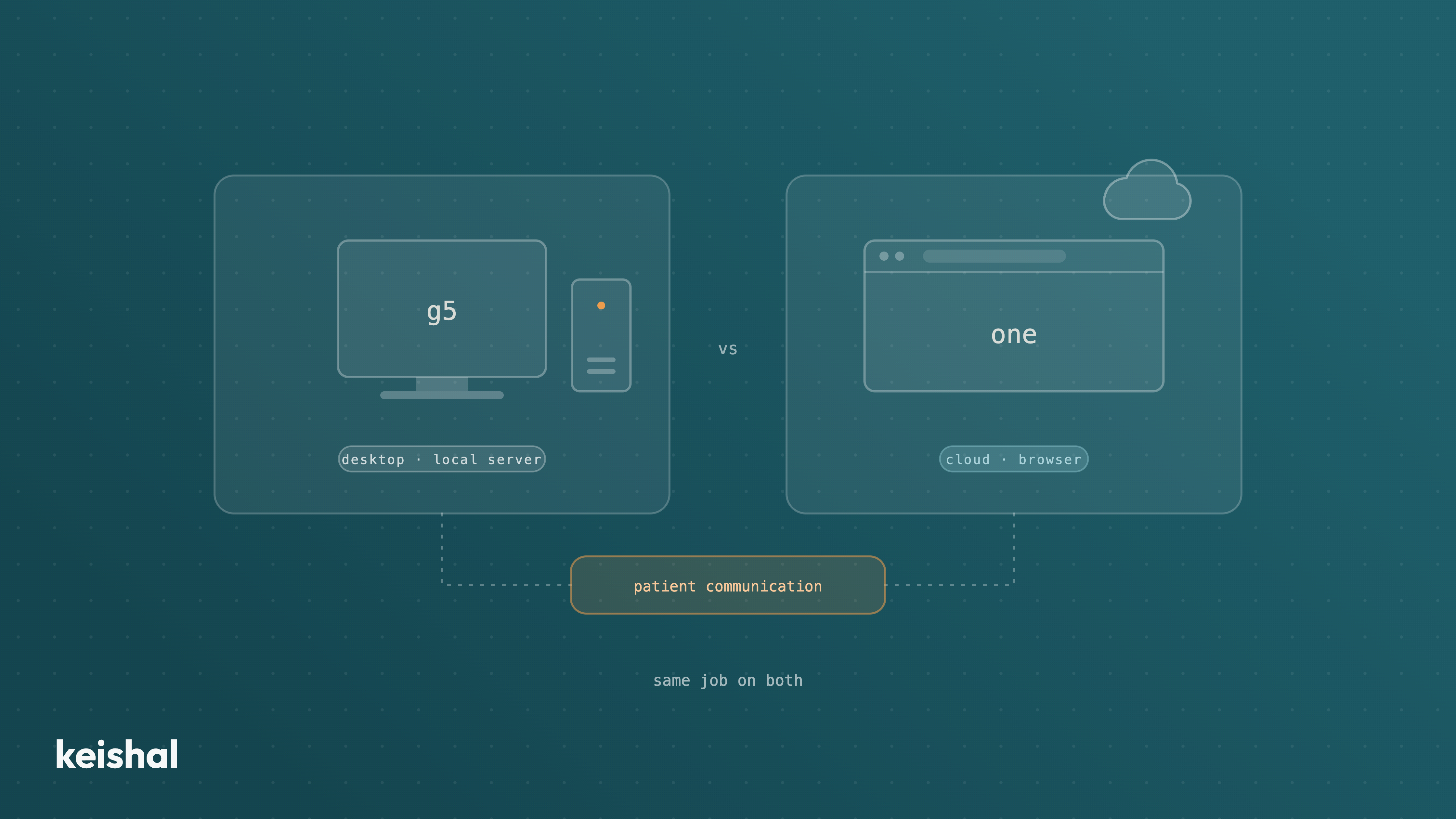
Gesden G5 is the desktop version and Gesden One the cloud version: between them, what changes is where the software lives, access, maintenance and backups. What does not change with either is who operates patient communication: 15 appointments a day across 22 working days means 330 reminders a month, and 1,000 dormant patients at 5 minutes each is about 83 hours of work, on both versions. This guide separates the version decision (locations, server, access) from the operating decision, with the questions to decide using your own numbers.
If your clinic runs on Gesden, the question comes up sooner or later: Gesden G5 or Gesden One? The Gesden G5 vs Gesden One comparison usually gets framed as a technology decision, but it is really an operational one. G5 is the desktop version, installed on the clinic's computers. One is the cloud version, accessed from the browser. That changes several things about the day to day. And one important thing does not change with either: who operates the communication with your patients.
This guide is about separating those two things. What really changes between versions, what does not change with either, and which questions to ask before deciding. No rush and no drama: both versions are Gesden, and both run real clinics every day.
Gesden, in any of its versions, is one of the most widely used practice management systems in Spanish dental clinics. If your clinic uses it, your clinical records, your schedule and your treatment plans already live there. Our position is the same one we explain in our dental software comparison for Spain: we do not sell any PMS, and we are not going to tell you to change yours.
Choosing between G5 and One is choosing how you want your Gesden to run, not whether Gesden should stay. That part is not up for debate in this article. What is worth being clear about is what the version change solves, and what will be exactly the same the morning after the migration.
The underlying difference is where the software lives, and the rest follows from it.
Where it runs. G5 is desktop software: it is installed on the clinic's computers and the data sits on a local server. One is cloud software: the program and the data live on the provider's servers, and the clinic works from the browser.
Access. With a local installation, you work from the machines where the program is installed. With the cloud, you can log in from any connected device: another location, home, the manager's laptop. For clinics with several locations or remote management, this is usually the strongest argument.
Maintenance and updates. With local desktop software, updates are installed on your machines, and the local server is the responsibility of the clinic or its IT person. In the cloud, the provider updates and maintains the infrastructure, and the clinic stops carrying that layer.
Backups. With a local server, backups are a discipline the clinic has to keep: someone has to run them and check them. In the cloud, the provider manages them as part of the service.
Dependence on the connection. This is the honest flip side of the cloud: no internet, no access. With a local server, the clinic can keep working even if the connection drops. Each model has its weak point, and it helps to know which one you can live with.
Two more things, in the interest of honesty. First: these are the structural differences between desktop and cloud software, not an inventory of Infomed's modules. The exact detail of what each version and plan includes changes over time, so confirm it with Infomed for your case before deciding. Second: we do not talk about prices here, because we do not publish figures we cannot verify, and because your Infomed sales contact will give you that conversation far better, with your configuration on the table.
This is the part that rarely comes up in the Gesden G5 vs Gesden One decision. The PMS, desktop or cloud, is the system where things get recorded: appointments, treatments, plans, clinical history. What the version change does not alter is who does the daily work of communicating with patients.
Run the numbers on your own schedule. A clinic with 15 appointments a day and 22 working days generates 330 reminders a month. If one in ten replies brings a question or a schedule change, that is 33 conversations someone has to handle. And that is just tomorrow's schedule: if 1,000 of your patients have not visited in over a year and contacting each one properly takes about 5 minutes, reactivating them by hand is about 83 hours of work. Two full weeks of one person's time. Those hours exist just the same on G5 and on One.
"We are looking at moving to One, but what eats our mornings is not where the program is installed. It is the phone." That is a composite sentence, not a literal quote, but it sums up a pattern we hear again and again in conversations with clinics that work on Gesden.
For that layer there are two paths, and we cover them in detail in two other articles. One is switching on communication tools inside Gesden itself, which your team configures and operates: we look at that calmly in our comparison of the Gesden Premium Pack versus Keishal. The other is adding an autonomous system that operates that layer for you, the structural difference we explain in software versus autonomous system. The version decision and the operation decision are independent: you can migrate to One and still have a collapsed phone line, and you can stay on G5 with communication running on its own.
Said with the same frankness in both directions.
G5 makes sense if you work from a single location, your current installation is stable, server maintenance and backups are genuinely handled, and nobody needs to access the program from outside the clinic. Changing for the sake of changing is not a strategy: a well-maintained local installation is a perfectly serious base to work from.
One makes sense if you have or will have more than one location, management works remotely, you do not want to carry your own server or the backup discipline, or you are renewing hardware and do not want to tie yourself to local infrastructure. Also if your trusted IT person is precisely the one recommending you stop owning a server.
If neither list fully describes you, that is fine. The next section is for that.
Migrating from Gesden G5 to Gesden One is a project, not a click. There is no need to dramatise it, PMS migrations happen every day, but it pays to arrive at the conversation with Infomed with concrete questions:
None of these questions is a trick. A serious provider, and Infomed is one, answers them as a matter of course. The goal is a decision made with information, not with fear or inertia.
Five questions to decide the version with your numbers, nobody else's:
The Gesden G5 vs Gesden One decision is real and deserves proper thought: access, maintenance, locations, infrastructure. But it is a decision about where your system of record lives. Daily patient communication, reminders, recall, reactivation, out-of-hours questions, is a different layer, and it will still be somebody's work whichever version you choose.
Keishal is an autonomous system that operates that layer on top of the Gesden you already have, and it integrates with both Gesden G5 and Gesden One. Your team does not learn any new tool: the results, confirmed appointments, reactivated patients, show up in your Gesden. If you are rethinking your system, it is a good moment to look at both layers together: book a demo and we will walk you through it with your clinic's own case, whichever version you are on in 2026.
A virtual receptionist should not replace your receptionist: it should absorb the repetitive load that does not fit in their day. A front desk open 50 hours a week leaves 118 of the week's 168 hours unanswered: 70% of the time. An autonomous system covers reminders that get a response, 24/7 booking (WhatsApp chat plus a calendar link), out-of-hours questions with escalation, recall and reactivation. It does not answer the phone: it removes volume from it. The front desk, clinical conversations and complaints stay human.
When you go from one clinic to two or three, the bottleneck stops being the schedule and becomes visibility: the location where you are not is a black box. To manage it without being there, compare locations with four ratios computed the same way everywhere — occupancy (370 out of 528 hours = 70%), no-shows over total appointments, dormant base over total database and contactability — and distrust any comparison made with unequal data quality. Total revenue compares sizes; ratios compare management.